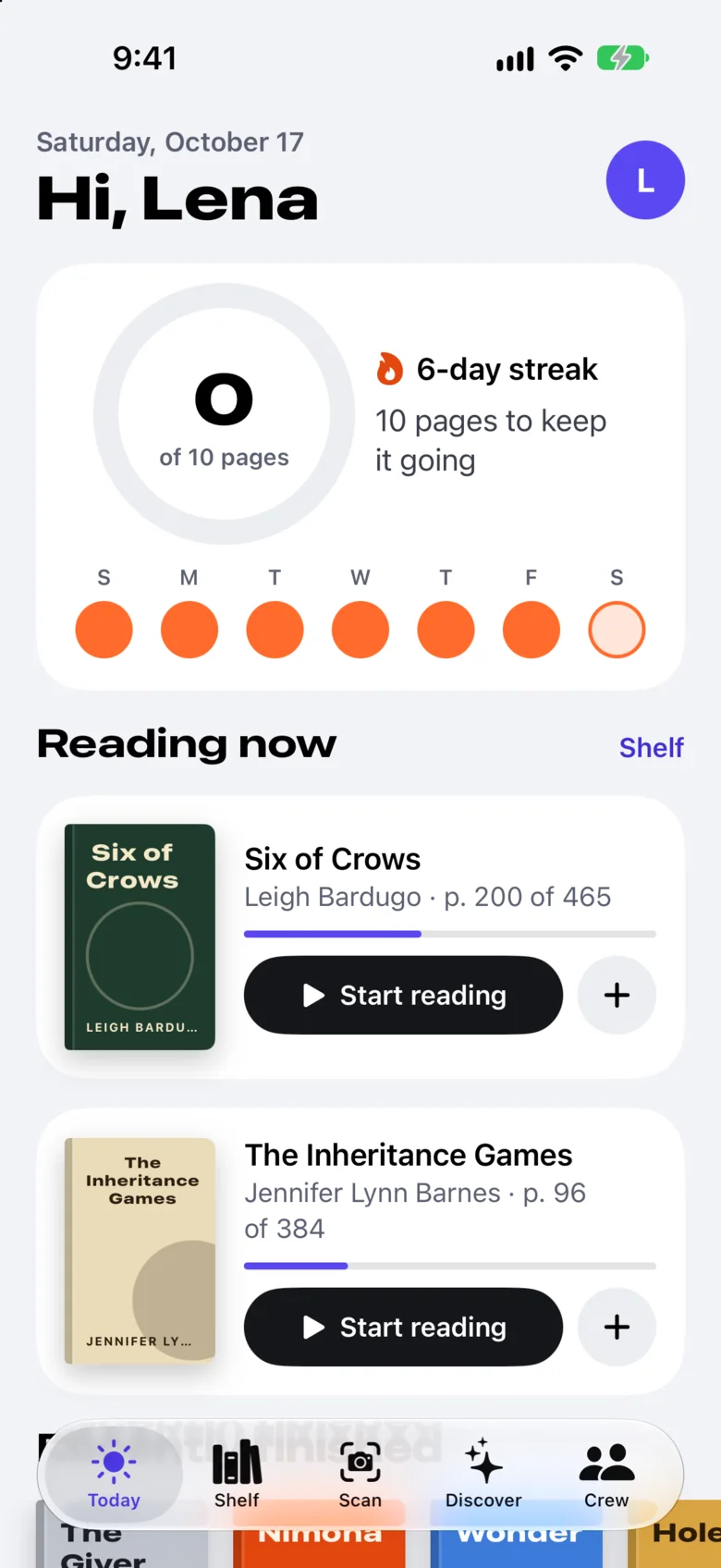
The iPhone beta
Install the real app today. Beta builds update themselves with one tap.
- On your iPhone, open app.bookwit.net/beta in Safari.
- Register your iPhone. A small settings profile sends us its ID so the next build can install on it.
- Come back to the page and tap Install once your iPhone is in a build.
- The first time only, turn on Developer Mode in Settings, Privacy & Security. The page shows you how.
Needs iOS 26 or later. Under 13? Ask a parent to help you set it up.
Open the beta page